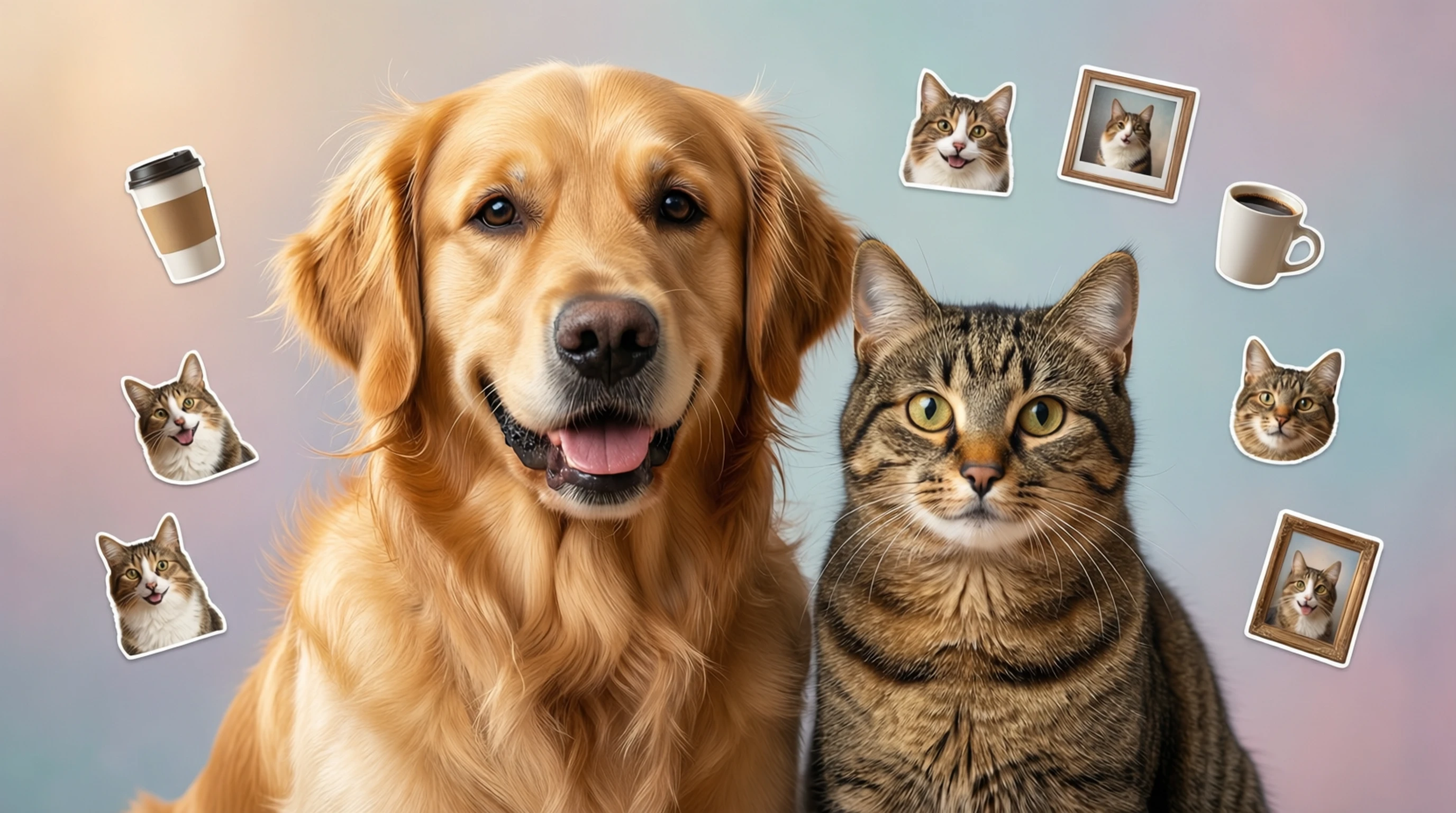
Remove Background from Pet Photos: Perfect Cutouts of Dogs and Cats
Remove Background from Pet Photos: Perfect Cutouts of Dogs and Cats
Your pet is adorable. Your pet photos, on the other hand, often feature a background full of laundry baskets, tangled cords, unmade beds, and everything else your furry companion decided to pose in front of. You captured the perfect expression, the ideal head tilt, or that rare moment of stillness, but the background ruins the shot.
Removing the background from pet photos solves this problem instantly, isolating your dog, cat, or other animal against a clean transparent surface so you can use the image for anything: custom stickers, printed mugs, holiday cards, memorial keepsakes, social media content, or simply a beautiful portrait worthy of framing. The challenge has always been that pets are hard to cut out. Fur, whiskers, fluffy tails, and wispy edges make manual selection tedious and error-prone. AI background removal changes that entirely.
Why Pet Photos Are Challenging for Background Removal
If you have ever tried to manually select around a pet in Photoshop, you know the pain. Pet photos present unique challenges that make them significantly harder to process than, say, a product on a table or a person in a studio.
The Fur Problem
Pet fur is not a clean edge. It is thousands of individual strands extending outward from the body, often blending into the background. Long-haired breeds like Golden Retrievers, Persian cats, or Pomeranians have wispy, semi-transparent fur edges that traditional selection tools (magic wand, pen tool, lasso) simply cannot handle without spending 30 minutes or more per image.
Whiskers and Fine Details
Cat whiskers and dog vibrissae are thin, translucent, and extend well beyond the main body silhouette. Losing whiskers in a cutout immediately makes the result look artificial and wrong. Preserving them requires pixel-level precision.
Tails and Ears
Fluffy tails, pointed ears, and tufts of fur create irregular, complex outlines. A Husky's bushy tail or a Maine Coon's ear tufts have hundreds of micro-edges that need to be preserved for a natural-looking result.
Movement and Blur
Pets rarely sit perfectly still. Even a "still" photo often has slight motion blur on ears, tails, or paws. This makes edge detection harder for both manual tools and older automated software.
How AI Handles These Challenges
Modern AI background removal models are trained on millions of diverse images, including thousands of animal photos with every fur type, breed, and pose imaginable. These models understand the visual patterns of fur, whiskers, and animal silhouettes at a level that far surpasses traditional edge-detection algorithms. The AI preserves fine fur strands, keeps whiskers intact, and handles fluffy edges with a level of accuracy that would take a skilled Photoshop editor 20 to 45 minutes to replicate manually.
How to Remove Backgrounds from Pet Photos Step by Step
Getting a perfect pet cutout is straightforward when you use the right tool and follow a few best practices.
Step 1: Choose the Right Source Photo
Start with the best photo you have. Look for images where your pet is well-lit, relatively sharp (minimal motion blur), and where there is visible contrast between the pet and the background. A brown dog on a brown couch is harder to process than a brown dog on green grass.
Step 2: Upload to an AI Background Removal Tool
Visit Remove-Backgrounds.net and upload your pet photo. The AI processes the image in seconds, identifying your pet and separating it from the background. It handles fur edges, whiskers, and complex silhouettes automatically.
Step 3: Review the Result
Check the cutout at full zoom, paying attention to:
- Fur edges around the body outline
- Whiskers and fine facial details
- Tail and ear edges
- Paws and legs, especially if they were against a similar-colored surface
Step 4: Download and Use
Download the transparent PNG cutout. From here, you can place your pet on any background, use it for print projects, create stickers, or integrate it into digital designs.
Creative Uses for Pet Photo Cutouts
Once you have a clean cutout of your pet, the creative possibilities are nearly endless. Here are the most popular uses that pet owners love.
Custom Stickers and Decals
Turn your pet's face or full body into vinyl stickers for laptops, water bottles, phone cases, and cars. Services like Sticker Mule, Redbubble, and StickerApp accept transparent PNG uploads and print custom die-cut stickers that follow the exact outline of your pet.
Personalized Gifts
Pet cutouts make incredible personalized gifts:
- Custom mugs with your pet's portrait on a clean or colored background.
- Throw pillows featuring your pet's cutout printed on fabric.
- Phone cases with a custom pet portrait.
- Tote bags with your pet's image for daily use.
- Canvas prints of your pet on a stylized or artistic background.
Holiday and Greeting Cards
Place your pet cutout into holiday-themed templates for Christmas cards, birthday invitations, or "just because" greeting cards. A cat in a Santa hat on a clean red background or a dog surrounded by birthday balloons is far more charming than the same pet in front of a cluttered living room.
Memorial Keepsakes
For pets who have passed, background removal lets you create beautiful memorial pieces from existing photos, even if the original backgrounds were less than ideal. Transform an everyday snapshot into a dignified portrait suitable for framing, engraving, or printing on memorial items like garden stones, ornaments, or jewelry.
Social Media Content
Clean pet cutouts are perfect for Instagram stories, TikTok videos, and profile pictures. You can create:
- Reaction images and memes featuring your pet.
- Consistent pet Instagram accounts with themed backgrounds.
- Pet announcement posts (new family member, gotcha day anniversaries).
- Before-and-after adoption stories with clean presentation.
Pet Business Branding
If you run a pet-related business (grooming, walking, training, boarding), customer pet cutouts can be used in social media posts, website galleries, and promotional materials with consistent, branded backgrounds.
Tips for Photographing Pets for Best Cutout Results
The quality of your cutout depends largely on the quality of your source photo. These tips will help you capture pet photos that produce the cleanest possible results.
- Use natural light. Position your pet near a window or photograph outdoors in open shade. Natural light reveals fur detail and color accurately, and it avoids the harsh shadows that artificial flash creates.
- Get on their level. Photograph from your pet's eye level rather than looking down from standing height. This produces more engaging portraits and gives the AI a clearer body outline to work with.
- Choose a contrasting background. A white cat on a white couch is the worst-case scenario for any background removal tool. If possible, move your pet to a location where their fur color contrasts with the surroundings.
- Use burst mode. Pets move unpredictably. Set your camera or phone to burst mode and take 20 to 30 shots in rapid succession. You are far more likely to capture one sharp, well-posed image out of 30 attempts than from a single carefully timed shot.
- Focus on the eyes. Use tap-to-focus on your smartphone to lock focus on your pet's eyes. Sharp eyes make the entire photo feel crisp, even if the edges of the fur are slightly soft.
- Avoid backlighting. If the light source is behind your pet, their face will be in shadow and the fur edges will blow out into a bright halo that is hard to separate cleanly. Keep the light source in front of or beside your pet.
- Keep treats handy. Treats and favorite toys are essential for getting your pet to look at the camera and hold still for a moment. A squeaky toy held just above the camera lens produces alert, attentive expressions.
- Photograph after exercise. A tired pet is a still pet. Take your dog for a walk or play with your cat for 15 minutes before the photo session, and you will get calmer, more cooperative subjects.
Frequently Asked Questions
Can AI accurately cut out fluffy or long-haired pets?
Yes. Modern AI models handle fluffy, long-haired breeds extremely well. The AI is trained on thousands of animal images and understands how to preserve fine fur strands, wispy edges, and semi-transparent hair that traditional selection tools struggle with. Breeds like Samoyeds, Persian cats, Pomeranians, and Collies produce excellent results. For the very best outcome, start with a well-lit photo where the fur contrasts with the background.
Does background removal work for animals other than dogs and cats?
Absolutely. AI background removal works on any animal: rabbits, hamsters, birds, horses, reptiles, fish in tanks (with limitations), and more. The AI identifies the animal subject regardless of species. Unusual pets with smooth outlines (reptiles, fish) are actually easier to process than fluffy mammals, while feathered birds produce results comparable to long-haired cats.
Will the cutout preserve my pet's whiskers?
In most cases, yes. AI models are specifically trained to detect and preserve fine details like whiskers, individual fur strands, and ear tufts. The key factor is whether the whiskers are visible in the source photo. If the original image is sharp and well-lit enough for you to see the whiskers clearly, the AI will almost certainly preserve them in the cutout.
What image format should I download for pet cutouts?
Download as a transparent PNG. This format preserves the transparency around your pet, which gives you maximum flexibility. You can place the cutout on any colored background, use it in design software, upload it to print-on-demand services, or integrate it into digital projects. If you need a specific background color (white for printing, for example), you can add it afterward in any image editor.
How do I make a pet sticker from a background-removed photo?
Upload your pet photo to Remove-Backgrounds.net and download the transparent PNG cutout. Then upload that PNG to a sticker printing service like Sticker Mule, StickerApp, or Redbubble. These services automatically detect the transparent edges and create die-cut stickers that follow the exact outline of your pet. Most services offer singles, small batches, or bulk orders starting from just a few dollars.
Create Beautiful Pet Portraits in Seconds
Your pet deserves better than a background full of dirty laundry and tangled charging cables. With AI-powered background removal, you can transform any casual snapshot into a clean, professional-quality pet portrait ready for printing, gifting, sharing, or simply admiring.
No more wrestling with Photoshop selection tools. No more losing whiskers or getting jagged fur edges. Upload your favorite pet photo, get a perfect cutout in seconds, and start creating something your pet would be proud of (if they cared about anything besides treats).