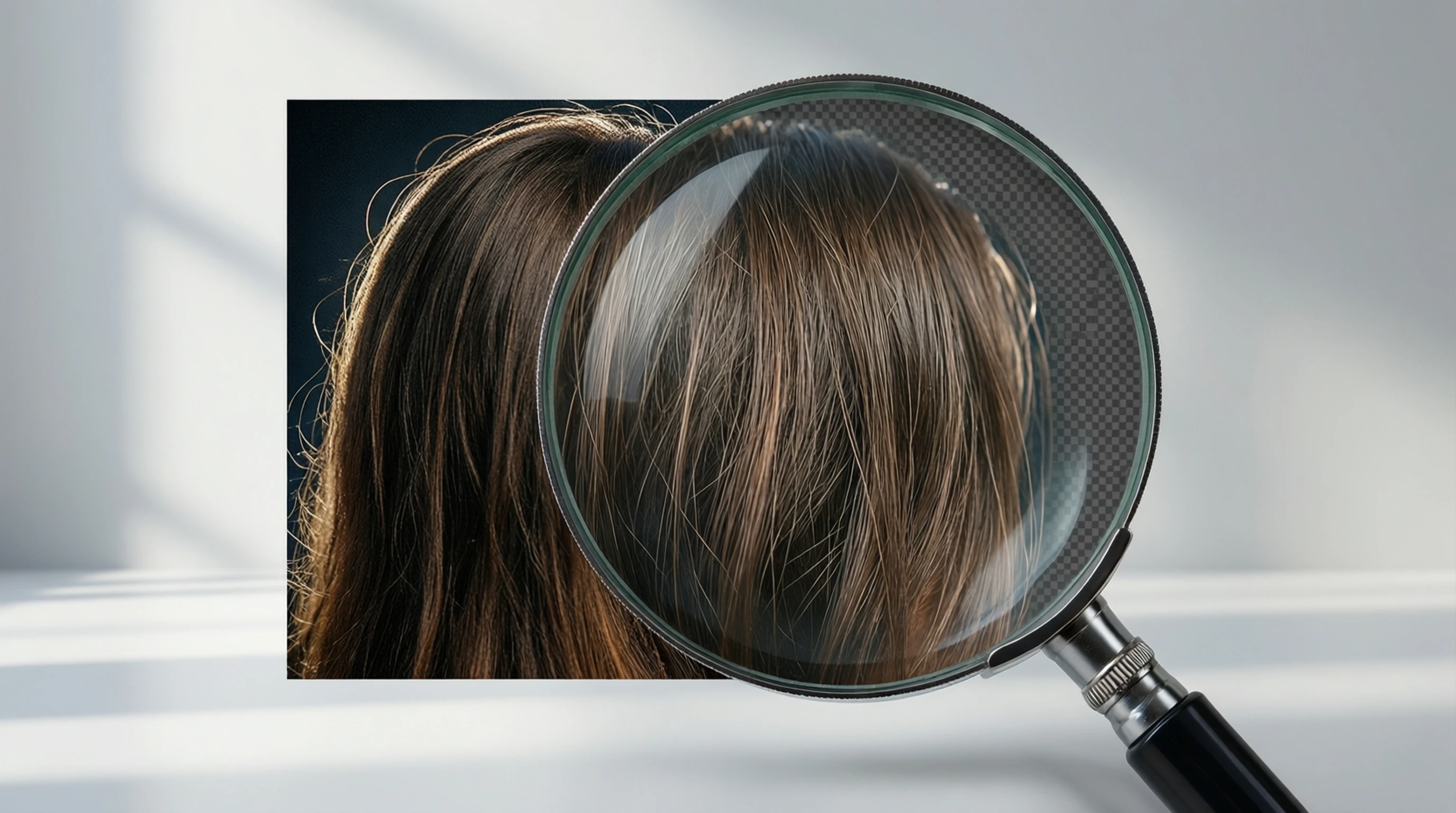
HD Background Remover Free: Full Resolution Background Removal
HD Background Remover Free: Full Resolution Background Removal
You found the perfect product shot or portrait, ran it through a background remover, and downloaded the result — only to discover the image looks soft, blurry, or pixelated when you zoom in. Sound familiar? Most free background removal tools quietly downscale your images during processing, and you don't notice until it's too late.
An HD background remover preserves every pixel of your original image. No downscaling, no compression artifacts, no quality loss. And at Remove-Backgrounds.net, full HD processing is completely free.
Why Resolution Matters More Than You Think
Resolution isn't just a number — it directly determines what you can do with your image after the background is removed.
Print vs. Screen
A 600x400 pixel image looks fine as a social media thumbnail. But try printing it on a flyer or using it in a product catalog, and the result is a blurry mess. Professional print work typically requires 300 DPI (dots per inch), which means:
- A 4x6 inch print needs at least 1200x1800 pixels
- An 8x10 inch print needs at least 2400x3000 pixels
- A poster or banner needs 3000+ pixels on each side
If your background remover downscales a 4000x3000 image to 800x600, you've lost the ability to print at any reasonable size.
Zoom and Crop Flexibility
High-resolution images give you creative freedom. You can:
- Crop to focus on a specific area without losing sharpness
- Zoom in to show product details on e-commerce listings
- Reframe the composition for different aspect ratios (square for Instagram, wide for website banners)
- Use the same processed image across multiple sizes and formats
With a downscaled image, you are locked into a single size. Any further editing degrades quality further.
Future-Proofing
Display technology keeps improving. Images that look fine on a 1080p screen may appear soft on a 4K or 5K display. Starting with full HD resolution means your processed images remain sharp as screens improve.
How Most Tools Secretly Downscale Your Images
Many free background remover HD free tools appear to give you great results — until you check the actual dimensions of your downloaded file. Here is what commonly happens behind the scenes:
The Downscale Trick
- You upload a 4000x3000 pixel image (12 megapixels)
- The tool resizes it to 1024x768 (or smaller) before running AI processing
- The background is removed from this smaller version
- You download a result that is a fraction of your original resolution
Some tools are transparent about this, gating HD output behind a paywall. Others do it silently, hoping you won't notice.
Why Tools Downscale
The reasons are mostly economic:
- GPU costs: Processing larger images requires more GPU memory and compute time
- Speed: Smaller images process faster, making the tool feel snappier
- Upsell strategy: Offer free low-res results, charge for HD downloads
Resolution Comparison Across Tools
| Tool Type | Typical Free Output | HD Output | Cost for HD |
|---|---|---|---|
| Budget free tools | 500x375 px | Not available | N/A |
| Freemium tools | 1024x768 px | Original resolution | $5-10/image |
| Subscription tools | 1500x1125 px | Original resolution | $9-29/month |
| Remove-Backgrounds.net | Original resolution | Original resolution | Free |
How Remove-Backgrounds.net Preserves Full Resolution
Our approach is fundamentally different from tools that downscale. Here is how we deliver HD background remover free results without compromising quality.
Client-Side Processing Architecture
The key insight is that the AI model only needs to generate a mask — a map of which pixels are foreground and which are background. The mask is much smaller than the full image. Here is the workflow:
- Your browser resizes the image for AI analysis (this is only for mask generation)
- Our servers run the AI model and produce a precise segmentation mask
- The mask is sent back to your browser
- Your browser applies the mask to your original, full-resolution image using the Canvas API
This means your original high-resolution image never leaves your device. The final transparent PNG is composited locally at full resolution. No downscaling. No server-side compression.
No Quality Loss at Any Stage
Beyond resolution, we also protect image quality in other ways:
- No JPEG recompression: Your output is a clean PNG with lossless transparency
- Full color depth: No color banding or quantization artifacts
- Clean alpha channel: Smooth transparency transitions, especially around hair and fine edges
- No watermarks: The downloaded image is exactly what you see in the preview
Free vs. Paid HD Background Removers
With so many tools available, it's worth understanding what you actually get at each price point.
What Free Tools Typically Offer
Most free background removers impose at least one of these limitations:
- Resolution cap: Output limited to 1024px or lower
- Watermarks: Logo or text overlay on the result
- Daily limits: 1-5 images per day
- Queue delays: Slower processing during peak times
- Account required: Must sign up to download
What Paid Tools Add
Premium tiers ($5-30/month) typically unlock:
- Full resolution downloads
- Batch processing
- API access for developers
- Priority processing
- Additional editing features (background replacement, color adjustment)
Where Remove-Backgrounds.net Fits
We provide the features that matter most — full HD resolution, no watermarks, and fast processing — for free. No account is required for basic use. This is possible because our architecture is efficient: the GPU only processes the mask, and the heavy lifting of full-resolution compositing happens in your browser.
| Feature | Typical Free Tool | Typical Paid Tool | Remove-Backgrounds.net |
|---|---|---|---|
| Output resolution | Capped at 1024px | Full resolution | Full resolution |
| Watermarks | Often yes | No | No |
| Account required | Sometimes | Yes | No (for basic use) |
| Processing speed | 5-15 seconds | 2-3 seconds | 2-3 seconds |
| Daily limit | 1-5 images | 50-unlimited | Generous free tier |
| File format | JPEG (lossy) | PNG | PNG (lossless) |
Tips for Getting the Best HD Results
Even with a high-quality HD background remover, your input image quality affects the final result. Follow these tips to maximize output quality.
Start with the Highest Resolution Available
If your camera shoots at 24 megapixels, use that full-resolution file — not a resized version from social media or messaging apps. Platforms like WhatsApp, Instagram, and Facebook aggressively compress images before sharing.
Avoid Pre-Compressed Images
Heavy JPEG compression creates visible block artifacts, especially around edges. These artifacts confuse the AI's edge detection, leading to rougher masks. When possible:
- Use the original file from your camera or phone
- Export from editing software at maximum quality
- Prefer PNG over JPEG for images that have already been processed
Good Lighting Makes a Difference
Well-lit subjects produce cleaner results because:
- The AI can more clearly distinguish subject from background
- Edge detection is more precise when details are visible
- Shadow areas are better preserved without noise
Check Your Results at 100% Zoom
Always preview your processed image at full zoom (100%) before using it. This reveals any edge issues that aren't visible at a smaller preview size. Pay special attention to:
- Hair and fur edges
- Transitions between subject and transparency
- Any remaining background fragments
Use PNG for Your Final Output
Our tool outputs PNG files by default, which is the correct format for images with transparency. Avoid converting to JPEG afterward — JPEG does not support transparency and will add a white or black background to transparent areas.
Common Use Cases for HD Background Removal
E-Commerce Product Photos
Online marketplaces like Amazon, Shopify, and Etsy require clean product images. HD resolution ensures customers can zoom in to see fabric texture, material finish, and product details. A downscaled image breaks the zoom experience.
Professional Portraits and Headshots
LinkedIn photos, team pages, and corporate directories need crisp, professional-looking portraits. HD background removal preserves skin texture, hair detail, and clothing fabric at a quality suitable for both web and print.
Marketing and Advertising
Campaign assets often need to work across multiple formats — web banners, social posts, email headers, and print collateral. Starting with a full-resolution cutout gives designers the flexibility to use one processed image everywhere.
Personal Creative Projects
Whether you're making custom stickers, designing invitations, or creating photo montages, HD quality ensures your projects look polished rather than amateur.
Frequently Asked Questions
What resolution does the HD background remover output?
Our HD background remover free tool outputs images at the same resolution as your input. If you upload a 4000x3000 pixel image, you get a 4000x3000 pixel result with the background removed. There is no downscaling at any stage.
Is the HD output really free, or is there a catch?
It is genuinely free with no hidden costs. We don't gate HD resolution behind a paywall. Our architecture processes the AI mask on the server and composites the full-resolution image in your browser, which keeps costs manageable without passing them to users.
What file format should I use for best quality?
Upload the highest quality file you have — PNG is ideal, but high-quality JPEG works well too. The output is always a PNG file, which preserves transparency without lossy compression.
How does the tool handle very large images (20+ megapixels)?
Images are resized to an optimal size for AI mask generation, but the final output uses your original full-resolution image. The mask is applied client-side to your original file, so even 20+ megapixel images retain their full resolution in the output.
Will removing the background reduce my image's print quality?
No. Because the output maintains your original resolution and uses lossless PNG format, print quality is fully preserved. A 300 DPI image remains 300 DPI after background removal.
Try Full Resolution Background Removal
Most background removal tools force you to choose between free and HD. With Remove-Backgrounds.net, you get both. Full resolution output, no watermarks, no account required, no quality compromises.
Your images deserve to keep every pixel they started with.