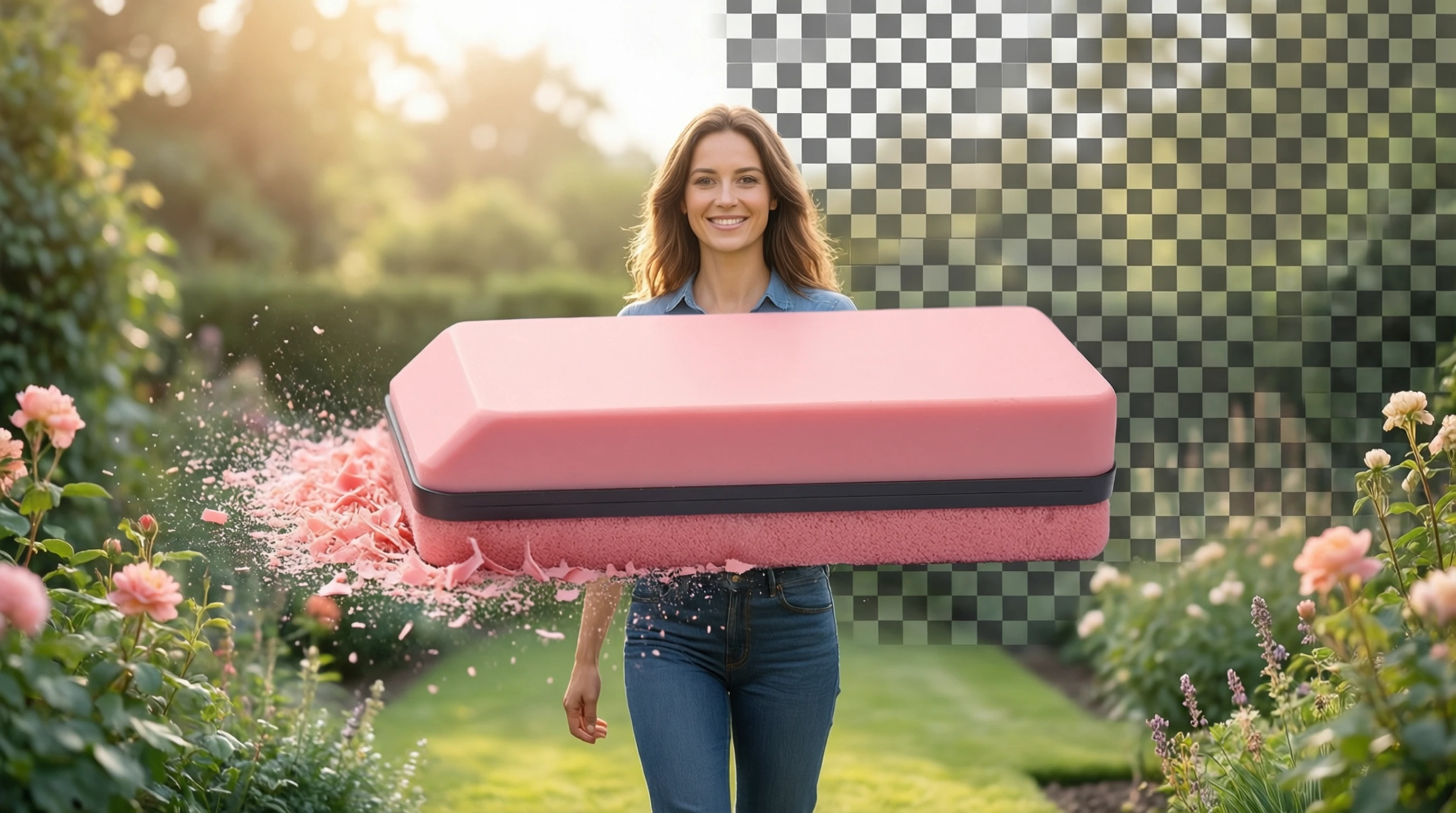
Background Eraser: Free Online Background Erasing Tool
Background Eraser: Free Online Background Erasing Tool
Looking for a background eraser that actually works? Whether you need to clean up a product photo, create a transparent logo, or prepare an image for a presentation, a reliable background eraser online tool saves you hours of manual editing.
This guide covers how to erase backgrounds from any photo using free AI, what makes a great background eraser, and tips for getting the cleanest results every time.
What Is a Background Eraser?
A background eraser is a tool that removes the background from an image, leaving only the foreground subject. Traditional background erasers required you to manually trace around the subject pixel by pixel — a tedious process that could take 20 minutes or more per image.
Modern AI-powered background eraser tools automate the entire process. You upload an image, the AI identifies the subject, and the background is erased in seconds. No manual selection, no tracing, no special skills required.
The term "eraser" comes from the concept of erasing unwanted pixels — similar to using a digital eraser on a whiteboard. The result is the same as "removing" or "deleting" a background: you get a clean cutout of your subject on a transparent canvas.
Background Eraser vs Background Remover: Any Difference?
People search for both "background eraser" and "background remover" to accomplish the same task. Here is how the terms relate:
| Term | What It Means | End Result |
|---|---|---|
| Background eraser | Erase/wipe away background pixels | Transparent or solid-color backdrop |
| Background remover | Remove the background from the image | Transparent or solid-color backdrop |
| Background deleter | Delete the background entirely | Transparent or solid-color backdrop |
| Background cutter | Cut the subject out of its background | Transparent or solid-color backdrop |
All four terms describe the same operation and produce identical results. The only difference is the verb. "Eraser" tends to appeal to users who think of the process like wiping a whiteboard clean — the background disappears, and only the subject remains.
How to Erase a Background Online: Step-by-Step
Step 1: Open the Free Background Eraser
Visit Remove-Backgrounds.net in any browser on desktop, tablet, or mobile. No account creation or software installation needed.
Step 2: Upload Your Image
Click the upload area or drag and drop your photo. The tool accepts JPG, PNG, and WebP files up to 50 MB. Your image is automatically prepared for AI processing.
Step 3: AI Erases the Background
The AI analyzes your photo, identifies the subject, and erases everything else in 2 to 5 seconds. You see a live preview as the background disappears.
Step 4: Download Your Clean Image
Download the result as a transparent PNG. Your subject is preserved with clean, natural edges and full original quality. You can also apply a solid background color before downloading.
Why Use an Online Background Eraser?
No Software to Install
Desktop applications like Photoshop require installation, updates, and significant disk space. An online background eraser runs entirely in your browser. Open the page, upload, and download — nothing to install or maintain.
Works on Any Device
Whether you are on a Windows laptop, a Mac, an iPad, or an Android phone, the tool works the same way. All processing happens in the cloud, so your device does not need powerful hardware.
Free and Instant
Professional photo editing software costs hundreds of dollars per year. A background eraser free tool gives you the same core result — a clean subject cutout — without any cost. No trial periods, no watermarks, no hidden fees.
AI Accuracy
Modern AI erasers handle difficult subjects that manual tools struggle with: wispy hair, fur, translucent fabric, complex edges, and overlapping elements. The neural network has been trained on millions of images and produces clean edges consistently.
Best Use Cases for a Background Eraser
E-commerce Product Photos
Online sellers need clean, distraction-free product images. Marketplaces like Amazon require white backgrounds. Use the background eraser online tool to erase cluttered backgrounds and create professional listings in seconds.
Social Media Content
Create eye-catching posts by erasing backgrounds and placing subjects on bold colors, gradients, or branded templates. This technique works across Instagram, TikTok, LinkedIn, and YouTube thumbnails.
Presentations and Documents
Rectangular photos with mismatched backgrounds look out of place in slide decks. Erase the background to get a clean cutout that integrates seamlessly with your presentation design.
Logos and Branding
Logos need to work on any surface — websites, business cards, merchandise, signage. Erasing the background from a logo image creates a versatile transparent version that sits cleanly on any color or pattern.
Personal Projects
Make custom stickers, greeting cards, collages, and print-on-demand merchandise by erasing backgrounds from personal photos, pet pictures, and illustrations.
Tips for the Best Background Erasing Results
Use High-Resolution Images
More pixels give the AI more data to work with, producing sharper and more accurate edges. Photos from modern smartphones (12+ megapixels) yield significantly better results than small web thumbnails.
Ensure Good Subject-Background Contrast
The AI performs best when there is a clear visual difference between the subject and its surroundings. A light subject on a dark background (or vice versa) produces cleaner edges than similar tones blending together.
Keep the Subject in Focus
Blurry edges make it harder for the AI to determine exactly where the subject ends and the background begins. Make sure the camera is focused on the subject, and avoid motion blur.
Avoid Heavy Compression Artifacts
If your source image has visible JPG compression artifacts — blocky patches or color banding — these can confuse edge detection. Use the highest-quality version of the image available.
Frequently Asked Questions
Is the background eraser really free?
Yes. Remove-Backgrounds.net lets you erase backgrounds from photos without signing up or paying. There are no watermarks on the output, and the results are ready for both personal and commercial use.
What image formats does the background eraser support?
The tool accepts JPG, PNG, and WebP uploads. Results are downloaded as transparent PNG files, which preserve the erased background as true transparency.
Can the background eraser handle complex subjects like hair or fur?
Yes. The AI model is specifically trained to handle fine details like individual hair strands, animal fur, feathers, and semi-transparent materials. These areas receive pixel-level attention during the erasing process.
How is this different from the "erase background" tool?
Both refer to the same underlying technology and produce identical results. "Background eraser" describes the tool itself, while "erase background" describes the action. Either way, you get a clean cutout with the background removed.
Can I erase backgrounds from multiple photos?
Yes. You can process multiple images one after another. For workflows involving many images, check our guide on batch background removal for efficiency tips.
Erase Your Background Now — Free and Instant
Ready to use the background eraser? Visit Remove-Backgrounds.net and upload your photo. The AI erases the background in seconds, giving you a clean, transparent cutout — no signup, no watermark, no cost.
Erase Background from Any Photo — Free →
Whether you need a background eraser free tool for product photos, social media, presentations, or creative projects, AI-powered erasing delivers professional results in seconds.